
Last-mile delivery
Bring last-mile delivery into your Microsoft applications with RouteCTRL
Turn business orders into delivery routes with RouteCTRL for Dynamics 365 and Microsoft Power Platform. Plan around delivery windows and vehicle requirements, then equip drivers with navigation, barcode checks, and digital proof of delivery.

From order to delivery
Keep delivery commitments in view at every stop
Planning
Build routes around delivery requirements
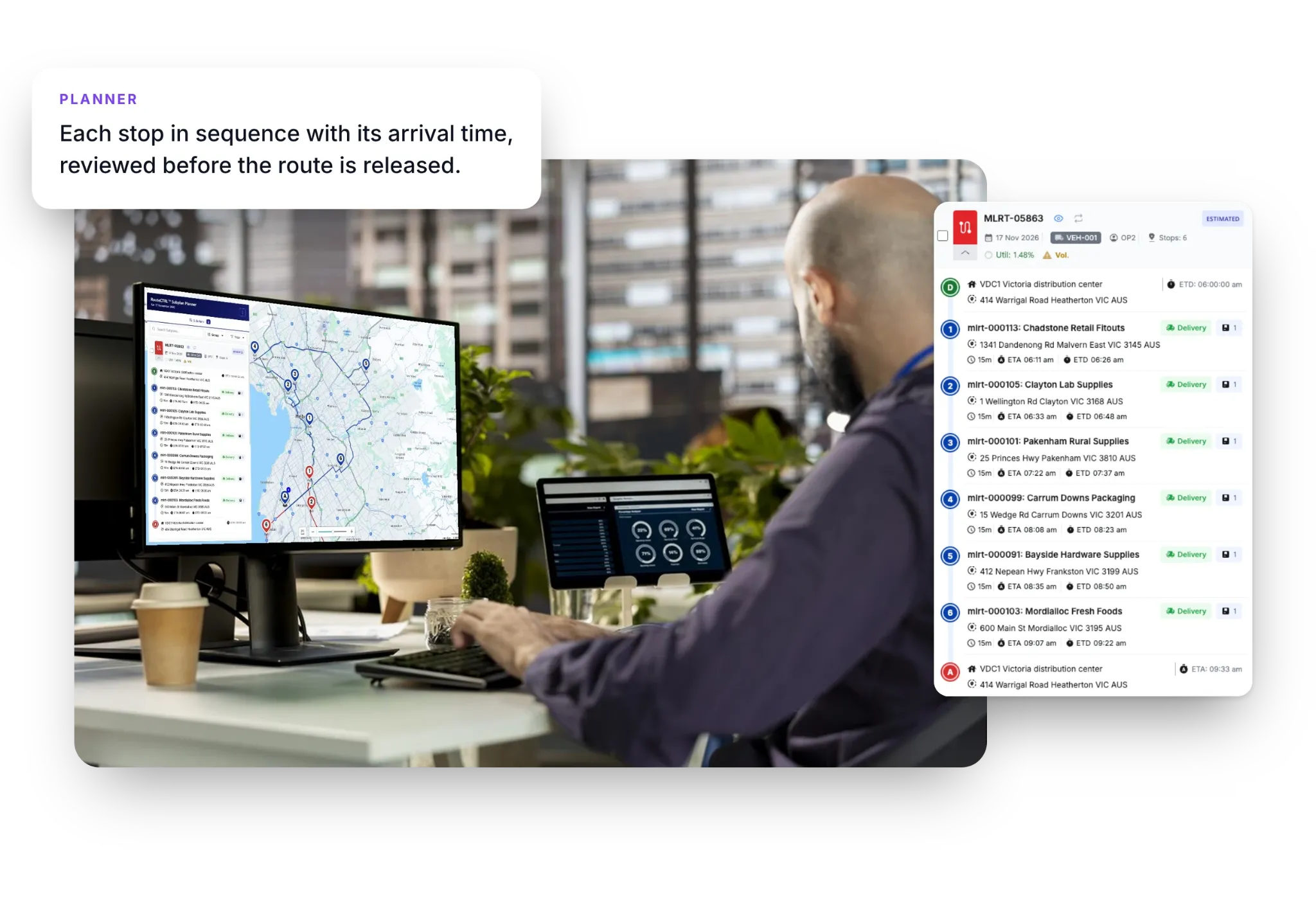
Plan with customer delivery windows, vehicle capacity, and shipment requirements in view before committing drivers and vehicles.
- Build routes from orders and delivery requirements, keeping customer details and instructions connected to the plan.
- Sequence stops around delivery windows and vehicle restrictions, then adjust the route in the Map Planner.
- Review estimated distance, duration, costs, and vehicle utilization before releasing the route.
Driver execution
Give drivers the details to complete each stop
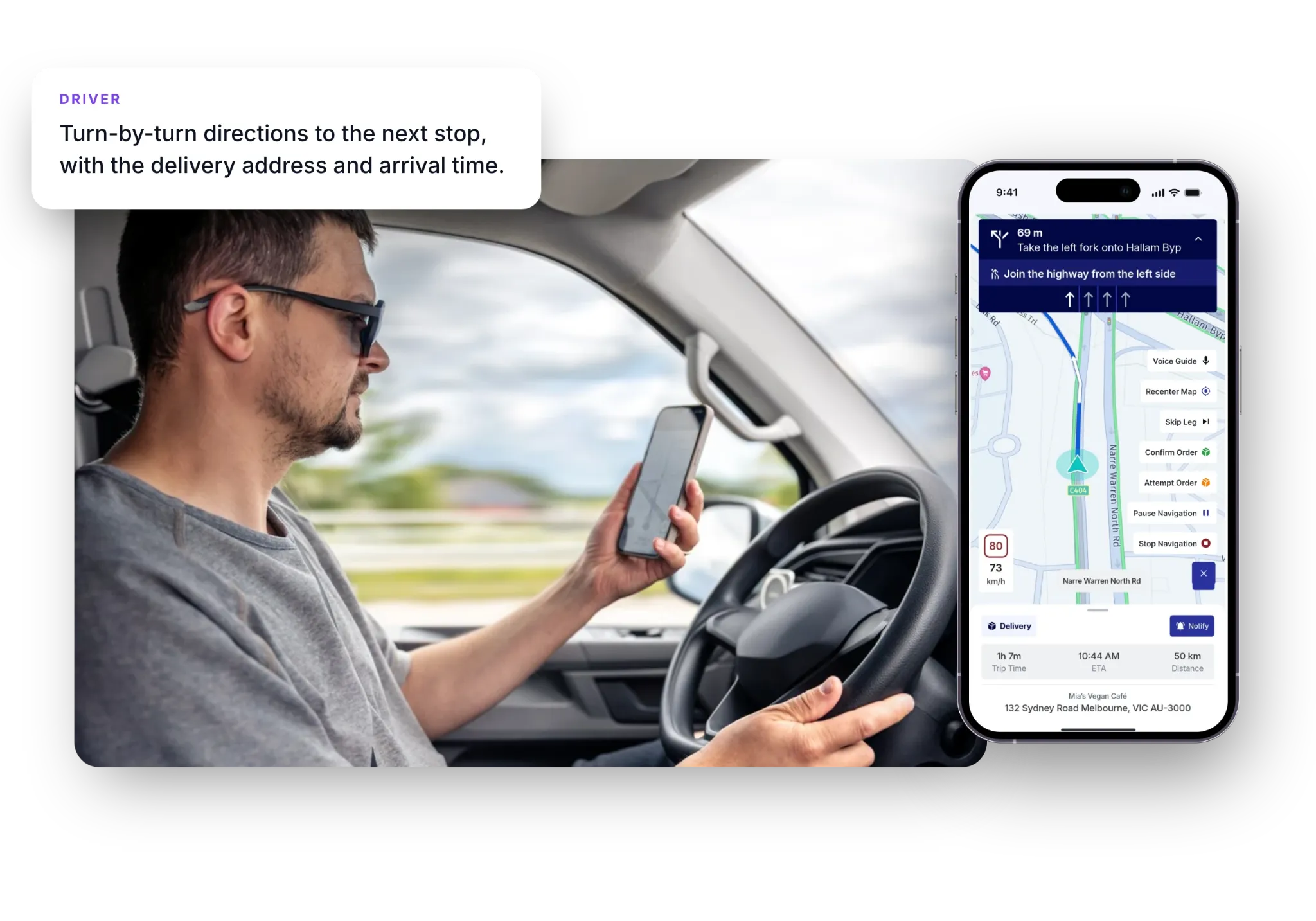
Bring route instructions, navigation, and package checks into the Operator App so drivers arrive prepared for the handover.
- Follow turn-by-turn navigation between stops, with truck-specific guidance based on recorded vehicle specifications.
- Access customer contact details, gate codes, and handling instructions before completing the delivery.
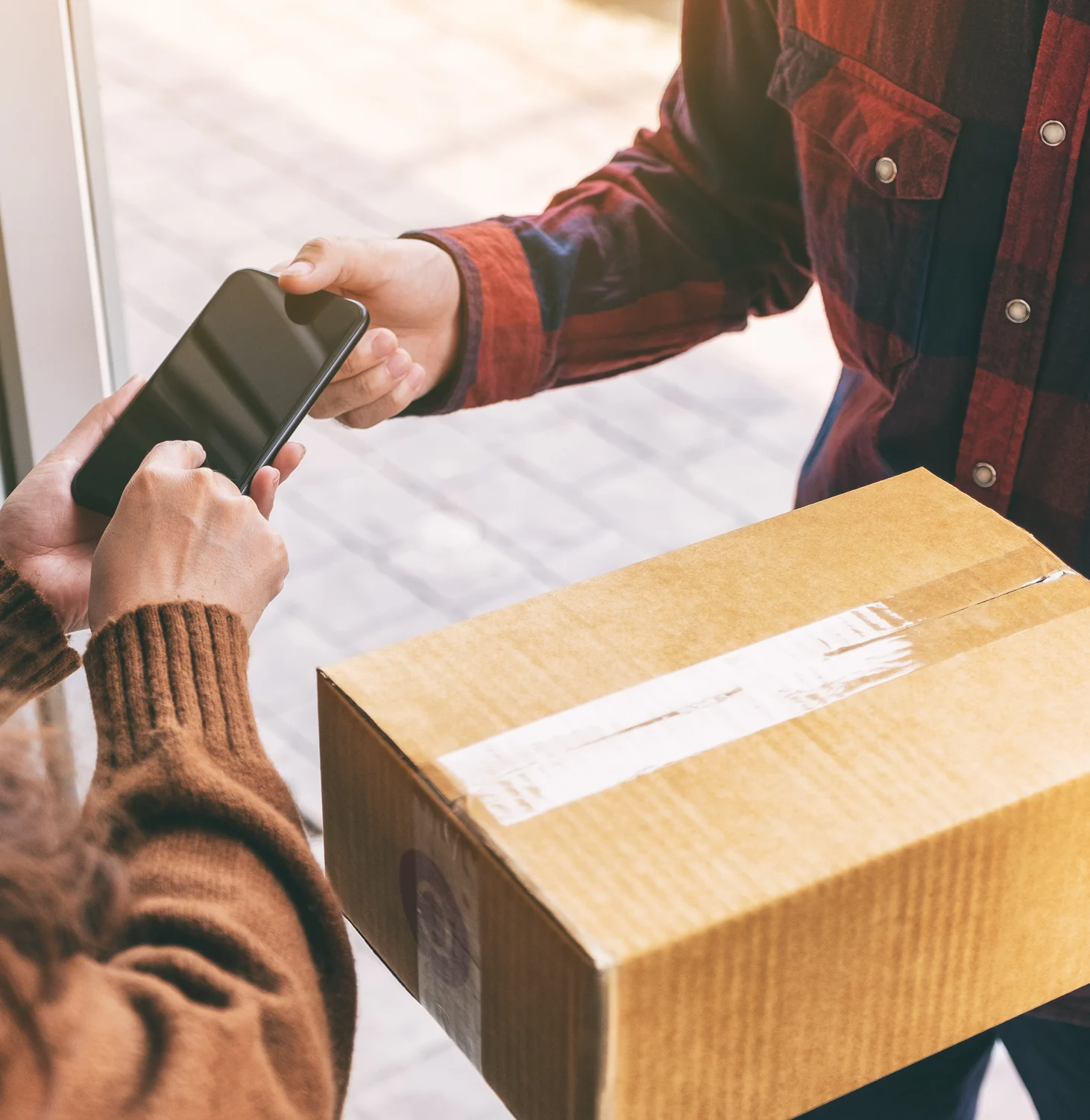
- Scan package barcodes before handover and complete multiple deliveries or pickups at shared locations while retaining separate order records.
Delivery visibility
Stay ahead of delivery questions
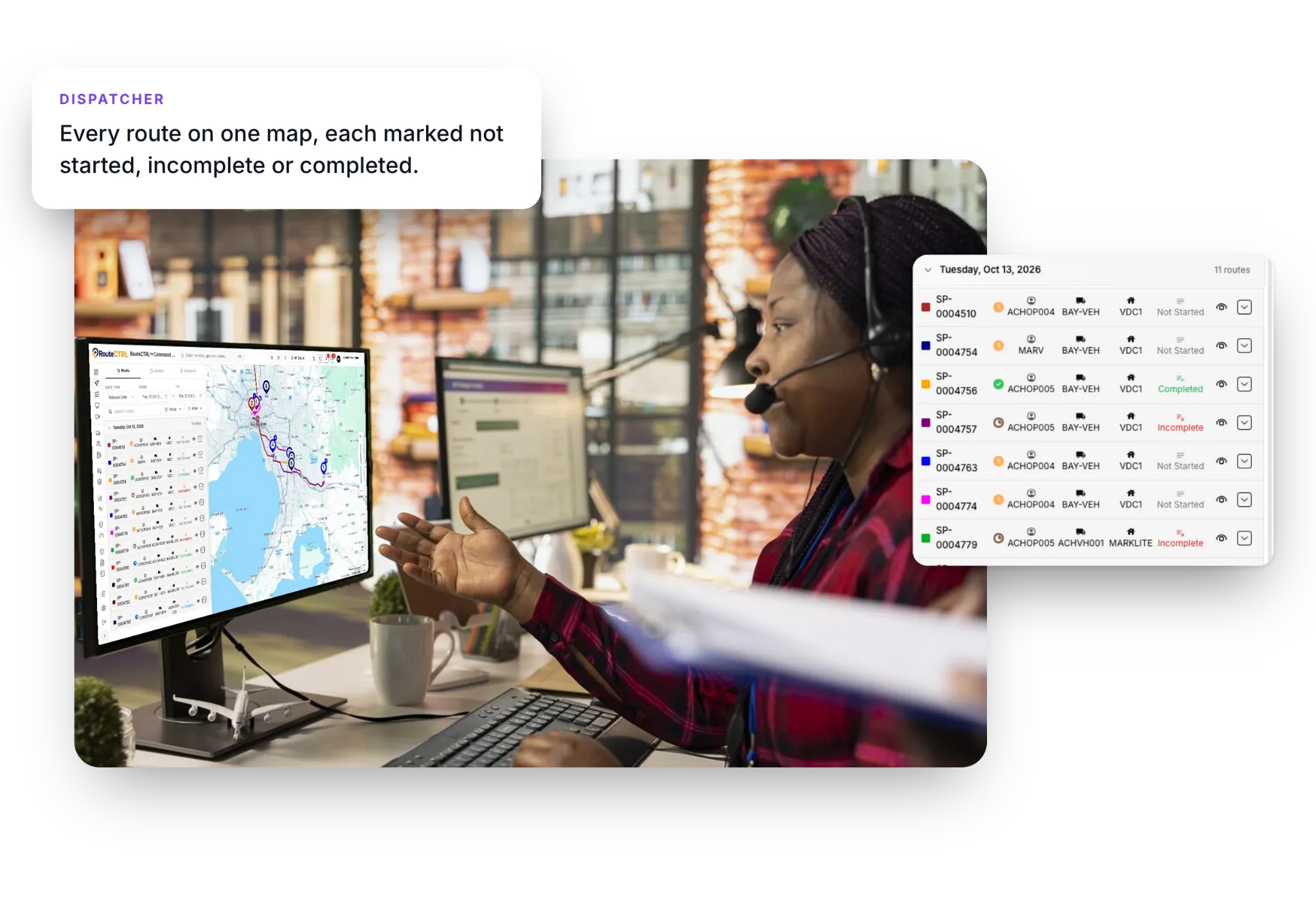
Follow route progress in the Command Center and share shipment updates so dispatchers and customers can see how deliveries progress.
- Account for vehicle restrictions, delivery windows, load types, estimated costs, and travel times before confirming a feasible route.
- Trigger customer notifications at defined shipment stages, reducing the need to send each update manually.
- Let customers track individual shipments through the Customer Portal using their tracking references.

See your delivery process in RouteCTRL
Explore how your team can plan routes, guide drivers, and confirm deliveries using orders from Dynamics 365.
Book a demoProof of delivery
Document what happened at the doorstep
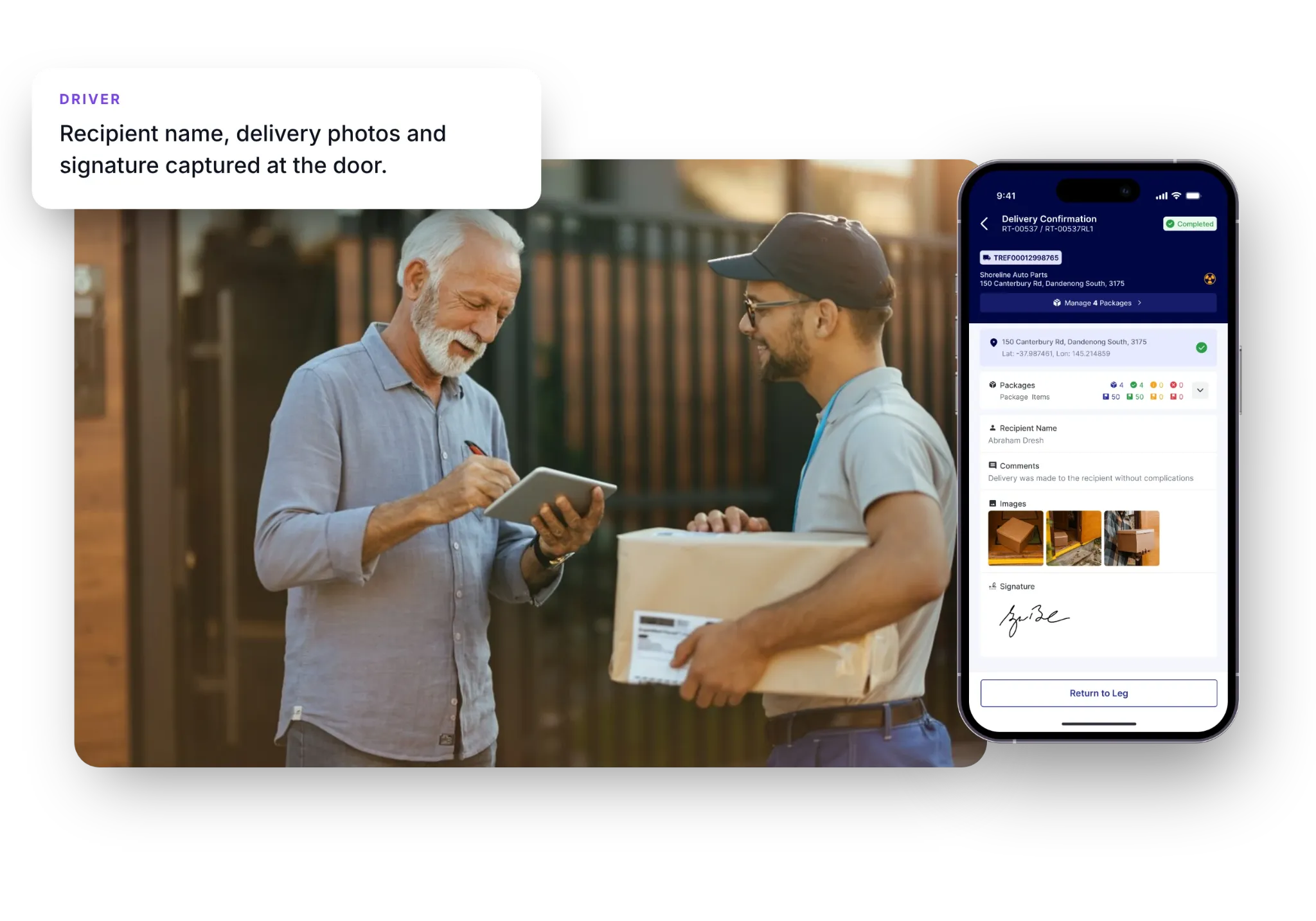
Capture completion evidence at the delivery point so customer service teams can investigate queries using a recorded account of the handover.
- Collect signatures, photos, and notes in the Operator App when completing deliveries and pickups.
- Review package details and recorded completion locations when investigating questions about a shipment.
- Give customers downloadable proof documents through the Customer Portal, reducing requests for office teams to retrieve delivery evidence.
Business benefits
Make every delivery count
Give customers delivery promises grounded in available capacity and realistic timings, reducing the risk of commitments your operation cannot meet.
Identify room within existing routes before adding vehicles or shifts, helping contain the cost of serving additional demand.
Spend less time relaying instructions, answering routine status questions, and retrieving documents, leaving teams more time to resolve delivery exceptions.
Establish what was delivered, where, and to whom, giving customer service teams a factual basis for handling disputed deliveries.
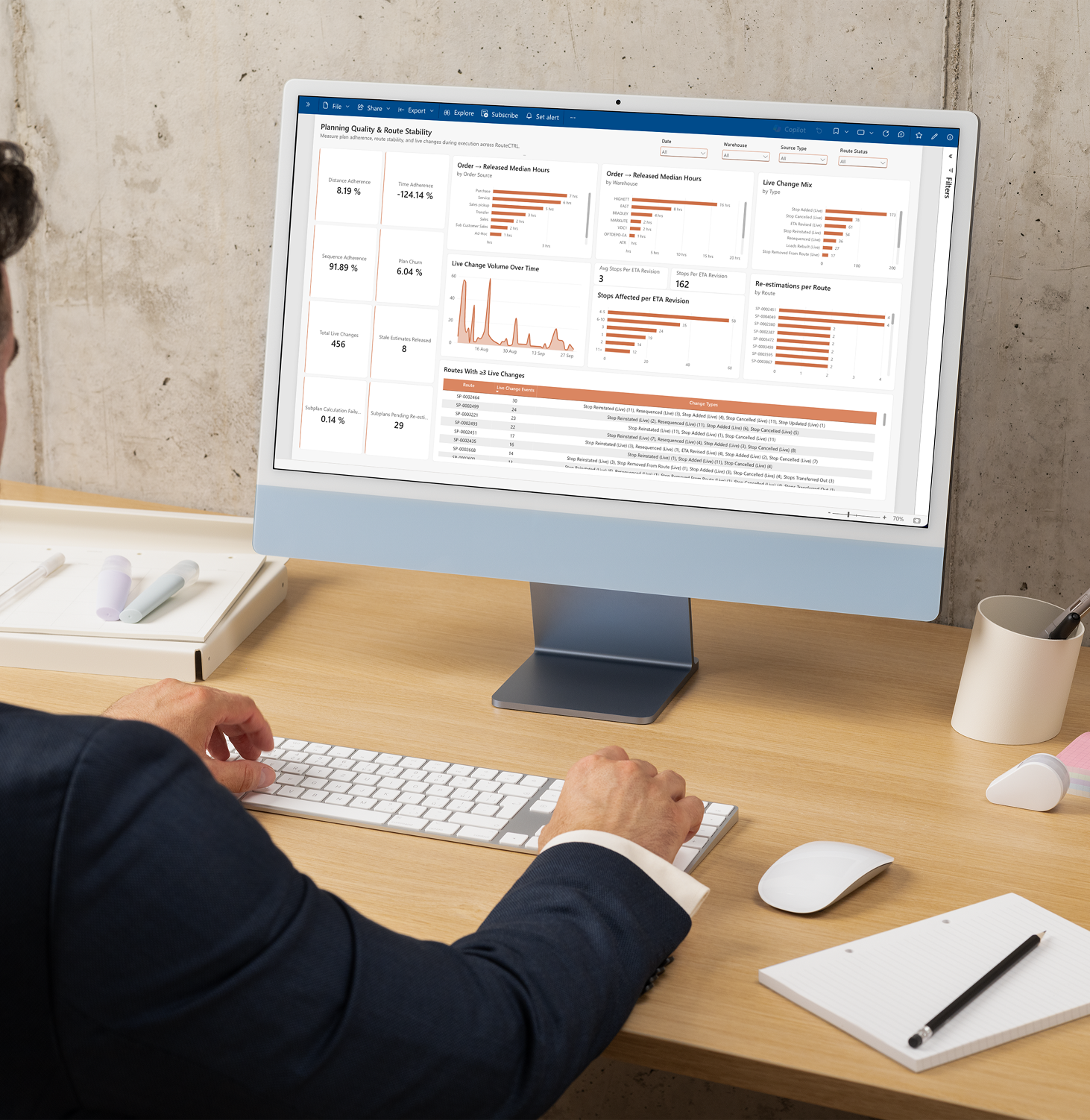
Identify where extra mileage, extended stop times, and repeated overruns erode returns, informing changes to route plans and pricing.



Insights & resources
Find practical answers to transport challenges

Win a LEGO Technic McLaren P1 at Convergence 2026: Visit RouteCTRL at Booth 110
Visit RouteCTRL at Booth 110 at Convergence 2026 to enter a free prize draw for a LEGO Technic McLaren P1, Sony ULT WEAR Headphones or a JBL Clip 5 Speaker.
Read article: Win a LEGO Technic McLaren P1 at Convergence 2026: Visit RouteCTRL at Booth 110
How to Plan Deliveries Backward from the Promised Date in Dynamics 365
Compare the cost and the service impact of each delivery plan before any route is built
Read article: How to Plan Deliveries Backward from the Promised Date in Dynamics 365
When Spreadsheet Route Planning Stops Working: Signs It’s Time to Plan Inside Dynamics 365
Eight signs, how to measure each one, and what changes when routes are planned on the order records
Read article: When Spreadsheet Route Planning Stops Working: Signs It’s Time to Plan Inside Dynamics 365
How to Add Route Planning to Dynamics 365 Without Disrupting Dispatch
Set up, pilot and roll out RouteCTRL one warehouse at a time, with each team's changes agreed before go-live
Read article: How to Add Route Planning to Dynamics 365 Without Disrupting Dispatch
How to Plan Delivery and Pickup Routes from Business Central Orders
Select orders, compare route options by cost and release routes with RouteCTRL, fully integrated into Microsoft Dynamics 365 Business Central
Read article: How to Plan Delivery and Pickup Routes from Business Central Orders
Route Planning in Microsoft Dynamics 365 and Power Platform
How to plan, dispatch and track delivery, pickup and field service routes from your Microsoft records
Read article: Route Planning in Microsoft Dynamics 365 and Power Platform
RouteCTRL is Heading to Ghana for DynamicsCon Regional: Africa 2026
RouteCTRL is proud to be part of DynamicsCon Regional: Africa 2026 in Accra, where we’ll be showcasing how Dynamics 365 users can simplify transport, field service, fleet, and mobile operations with one connected execution platform.
Read article: RouteCTRL is Heading to Ghana for DynamicsCon Regional: Africa 2026
Returns Are Transport Execution Too
Returns should not become a side process after delivery fails. This article examines why return pickups need route-level control, how visibility breaks down in reverse logistics, and how Dynamics 365 users can manage returns as part of transport execution.
Read article: Returns Are Transport Execution TooFAQ
Frequently Asked Questions
Find answers about RouteCTRL’s capabilities, Microsoft platform requirements, and licensing options for your operation.
RouteCTRL plans last-mile routes around customer delivery windows, vehicle capacity, and shipment requirements. Planners review the stop sequence, estimated distance, duration, costs, and vehicle utilization before release. The Map Planner allows them to adjust the proposed plan.
Dispatchers assign operators and vehicles in RouteCTRL and release the reviewed route to the Operator App. Operators receive their stops and instructions through the app. Returned check-ins, exceptions, progress, and completion evidence help the dispatcher coordinate the active delivery route.
At a last-mile stop, the RouteCTRL Operator App checks scanned packages against the packages expected for that assignment. A mismatch can be identified before handover, and the operator can record the supported exception and evidence for office review.
Last-mile operators use HERE turn-by-turn navigation inside the RouteCTRL Operator App with supported vehicle-routing profiles. Planners determine the stop sequence and resource assignment before release. Navigation then guides the operator between the planned stops using the recorded vehicle information.
The RouteCTRL Customer Portal provides available shipment statuses, estimated arrivals, and delivery progress for last-mile customers. Where proof is available and publishing is enabled, customers can download the proof document. Multiple shipments under one order reference can be followed individually.
RouteCTRL proof of delivery records the reported handover and supporting evidence. Business-application shipment posting, inventory updates, and invoicing are separate processes. The implementation must specify any posting automation, so a signature or completed stop is not mistaken for an invoice being created.
RouteCTRL last-mile operators can use downloaded routes and maps, scan packages, record delivery outcomes, and capture proof offline in the Operator App. The device retains those updates until connectivity returns. Office and customer visibility follows synchronization and the configured update workflow.
Licensing combines operational feature licenses with additional access, resource, and service licenses where required.
A feature license applies to one Dynamics 365 Business Central company or one Supply Chain Management legal entity. Last Mile & Fleet Operations requires an initial minimum purchase of five vehicle licenses. Field Service has a separate feature license.
Licensing Last Mile & Fleet Operations, Field Service, or both includes one shared RouteCTRL office-access entitlement per environment: one Administrator, one Functional Manager, and unlimited Read-Only Users.
Additional Administrator and Functional Manager users require additional RouteCTRL licenses. Microsoft licensing remains separate.
The published price list shows monthly rates for reference. Payment is billed annually in advance for a 12-month subscription term per licensed entity.
Microsoft Dynamics 365 licensing, tracking hardware, connectivity, and third-party messaging charges are separate unless specifically included in a quotation. Implementation, customization, and professional services may also be quoted separately.
Standard implementation documentation and guidance are distinct from a RouteCTRL-managed implementation service.
Additional vehicles, operators, users, and services can be licensed as requirements change. Configuration and rollout work depend on what is being added.
Additional quantities are priced under the terms applicable when purchased. Total licensed quantities are reassessed at renewal. Reductions and other subscription changes depend on the applicable agreement.
Discuss the proposed scope with RouteCTRL before committing to licenses. Confirm minimum quantities, duration, charges, success criteria, and how the pilot would move into a production subscription. Any proposed pilot arrangement should be assessed against the published licensing terms.
The RouteCTRL team can review your operational requirements, resource quantities, user roles, and optional services. Use that deployment scope and the current price list to establish the required license mix and expected charges before purchase.